
Portable piano practice used to mean choosing between compromise and gear. A student could carry a small MIDI keyboard, install software, manage drivers, download sounds, update apps, and hope the setup worked before motivation disappeared. In 2026, browser-based pianos are changing that routine. The best tools now let players open a tab, connect a MIDI keyboard, use a laptop or tablet, and begin practicing without a traditional software studio.
The phrase “zero-latency browser piano” should be read with caution. No digital instrument has literal zero delay. The useful change is that many browser instruments now feel responsive enough for light practice, ear training, theory work, melody sketching, and travel sessions. Web Audio, Web MIDI, faster laptops, better mobile browsers, and simpler online music tools have made the browser a more credible practice space.
For kaygranger.com readers, the point is not that browser pianos replace acoustic pianos, weighted digital pianos, or serious lessons. They do not. The bigger story is access. A student no longer needs a full home studio to practice note recognition, chord shapes, sight-reading basics, or song fragments during a lunch break, hotel stay, school lab period, or short creative session.
Why Browser Pianos Are Becoming Serious Practice Tools
The browser has become a more capable music environment because audio and MIDI support have matured. The Web Audio API gives web developers a system for controlling audio sources, effects, routing, timing, and playback inside the browser. MDN describes it as a powerful web system for audio control, synthesis-style routing, visualization, and effects, which explains why modern online pianos can feel more like instruments than simple sound toys through the Web Audio API.
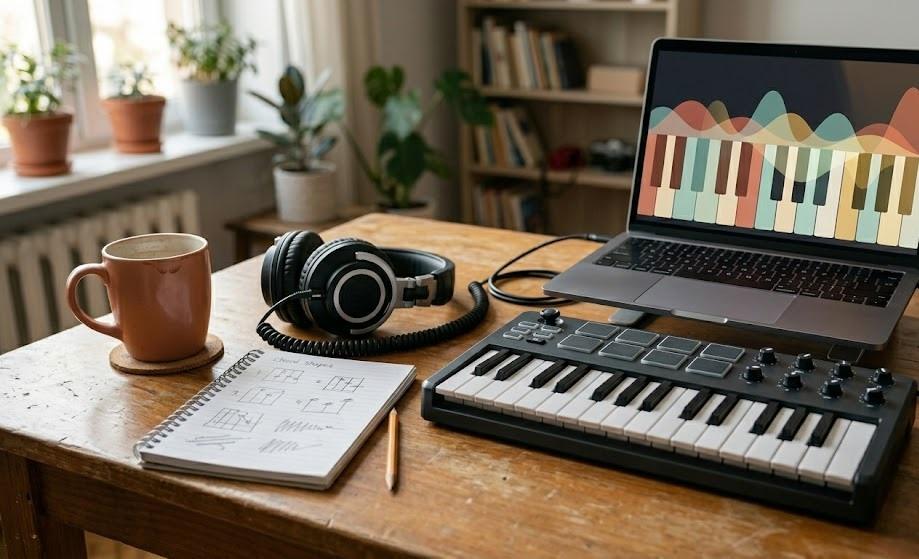
That matters because piano practice depends on response. If sound arrives too late after a key press, the player starts changing timing to compensate. The student may play ahead of the beat, lose confidence, or stop trusting the instrument. For real piano technique, even a good browser piano remains limited by the keyboard used, the device, the browser, and the audio output. A laptop keyboard cannot teach weighted touch. A phone speaker cannot teach tone production. A delayed Bluetooth connection can still make rhythm feel soft or uncertain.
Still, browser pianos are useful because many practice tasks do not require a full concert instrument. A student can drill intervals, review chord inversions, test a melody, check note names, or practice left-hand shapes. A songwriter can sketch harmony before opening a digital audio workstation. A teacher can demonstrate a concept on a shared screen without asking every student to install software.
This connects with kaygranger.com’s earlier piano apps and song teaching coverage, where app-based learning was framed around feedback, MIDI integration, and more flexible practice. Browser pianos take that flexibility one step further by lowering the setup barrier even more.
How Web MIDI Changed The Portable Keyboard Setup
The strongest browser-piano experience happens when the player connects a real MIDI keyboard. Web MIDI allows a web page to communicate with MIDI devices, including controllers and keyboards. MDN explains that the Web MIDI API connects to and interacts with MIDI devices, though it remains a limited-availability feature because it does not work across every major browser in the same way. That limitation is a key part of the buying and practice conversation around Web MIDI support.
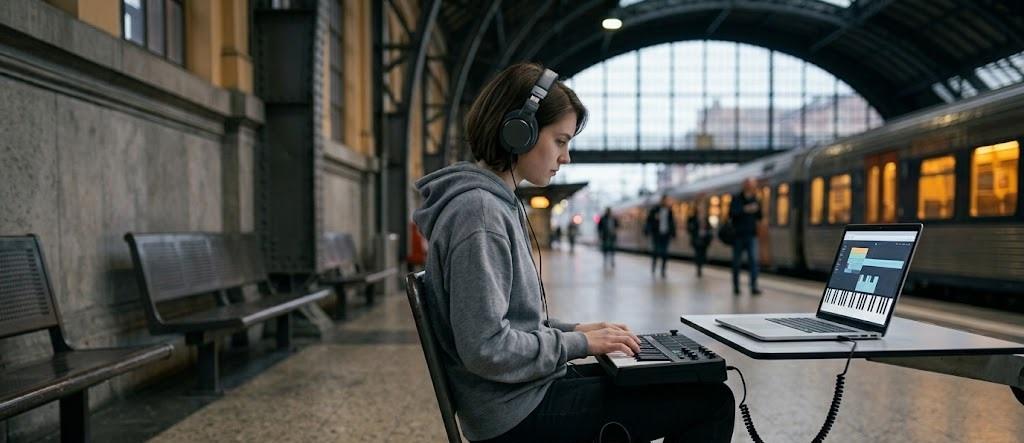
For portable practice, USB MIDI is usually the cleaner option. A compact 25-key, 32-key, or 49-key controller can fit into a backpack and connect directly to a laptop. Some browser tools also support Bluetooth MIDI, but wireless setups may add delay. The practical rule is simple: if rhythm matters, use the most direct connection available.
The appeal is obvious for students who move between home, school, dorm rooms, practice rooms, and travel. Instead of depending on one installed app on one computer, the student can use a browser-based piano on any supported device. The instrument becomes lighter because the “software” is simply a tab. That is the hardware liberation at the center of the trend.
There is still a compatibility gap. Chrome and Edge tend to be more dependable for Web MIDI workflows than some other browsers. Schools and families should test the exact browser, device, keyboard, and headphones before relying on a setup. A practice tool that works perfectly on one laptop may fail on another if permissions, browser support, or operating-system MIDI settings differ.
Why Low Latency Matters More Than Fancy Features
Browser piano tools often advertise big features: full keyboards, recording, sound choices, chord helpers, scale modes, custom key mapping, or game-style lessons. Those features can be useful, but latency comes first. A piano tool that responds slowly can teach poor timing even if its screen looks polished.
The World Wide Web Consortium’s Web Audio 1.1 documentation describes sample-accurate scheduled sound playback with low latency for musical applications that require precise rhythm, such as drum machines and sequencers. That technical goal matters for browser pianos because piano practice is time-sensitive. The student’s ear expects immediate cause and effect, and the hand learns from that response through low-latency web audio.
For daily practice, the difference can feel small at first. A beginner playing slow melodies may tolerate a little delay. An intermediate student practicing rhythm, syncopation, stride patterns, or repeated chords will notice it sooner. A songwriter layering parts into a loop will notice it too. Latency turns from a technical detail into a musical obstacle.
That is why “zero-latency” claims should be judged by feel, not by the phrase alone. A browser piano should respond instantly enough that the player does not adjust their rhythm around the device. It should also avoid audio crackle, missed notes, and unstable sustain behavior. If the sound feels inconsistent, the tool is better for theory review than for timing practice.
A good portable setup usually includes three pieces: a stable browser, a wired MIDI keyboard, and wired headphones or speakers. Bluetooth headphones can be convenient, but they often add enough delay to make live playing feel disconnected. For piano practice, the cable is not old-fashioned. It is often the quickest path to a playable response.
What Browser Pianos Can And Cannot Replace
Browser pianos are strongest when the practice goal is clear. They work well for note review, chord spelling, basic harmony, ear training, interval recognition, melody sketching, and quick repetition. They are useful when a student has ten minutes and no access to a full instrument. They are also helpful for teachers who want to demonstrate a concept during an online lesson or classroom session.
They are weaker for touch, tone, pedaling, advanced repertoire, dynamic control, and long-form performance preparation. A laptop keyboard or touchscreen cannot reproduce the resistance, key depth, escapement feel, pedal nuance, or acoustic resonance that serious piano playing requires. Even a compact MIDI controller may not provide the weighted action a student needs for real technique.
| Practice Goal | Browser Piano Fit | Better Tool When Available |
|---|---|---|
| Note Names And Intervals | Strong | Any keyboard or digital piano |
| Chord Shapes And Harmony | Strong | MIDI keyboard with browser app |
| Rhythm-Sensitive Practice | Depends on latency | Wired MIDI setup or digital piano |
| Touch And Tone Control | Limited | Weighted digital or acoustic piano |
| Pedaling And Resonance | Limited | Digital piano with proper pedals or acoustic piano |
That distinction helps students use browser pianos without overclaiming them. The browser can remove friction, but it cannot remove the need for a real instrument. The best approach is to treat browser practice as an extra layer. It fills gaps between full sessions. It does not become the full training plan.
How Portable Practice Changes Student Habits
The most useful effect of browser pianos may be behavioral. Students often skip short practice windows because setup feels too heavy. If the only option is opening a full app, finding headphones, waiting for updates, loading a project, or connecting a complex rig, a ten-minute session disappears. A browser piano reduces that resistance.
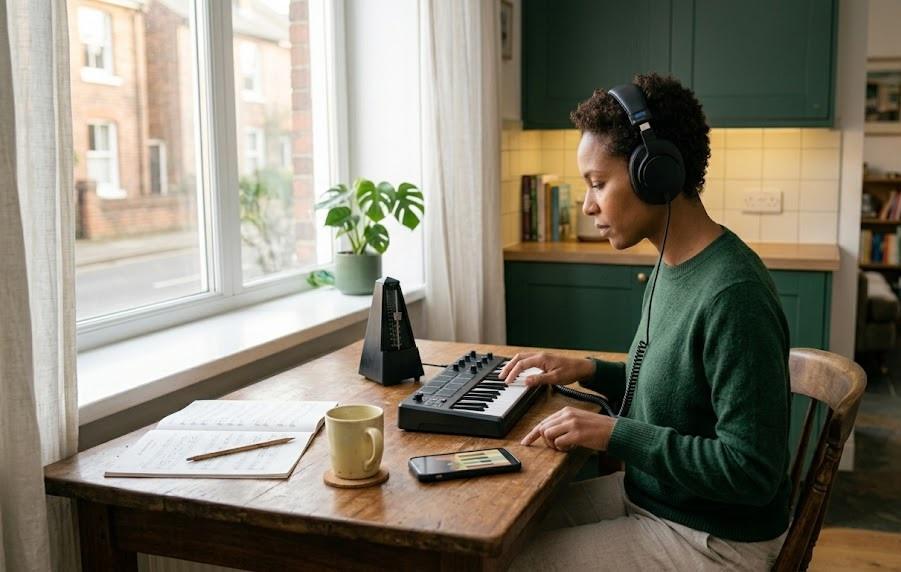
That matters for adult beginners, dorm students, travelers, school ensembles, and anyone trying to keep a daily habit alive. A browser-based keyboard cannot replace focused practice, but it can prevent total silence on busy days. Five minutes of chord review is better than ignoring the instrument for a week. Ten minutes of interval drills can keep the ear active. A quick left-hand pattern check can make the next full practice session smoother.
Newer browser-first learning platforms are leaning into that habit loop. MasterPiano, for example, markets browser-based MIDI keyboard practice with real-time feedback and no software installation, positioning the browser as the main practice environment rather than a preview page. Its current browser piano practice guide reflects a broader shift toward web-native piano study.
The danger is shallow practice. Because browser pianos are easy to open, they can also encourage unfocused playing. Students may tap around, switch sounds, and never slow down enough to correct a real issue. The solution is to assign a purpose before opening the tool. A browser session should answer one small question: which notes are in this chord, where does this melody move, can I hear this interval, can I play this rhythm evenly?
Why Schools And Teachers Should Pay Attention
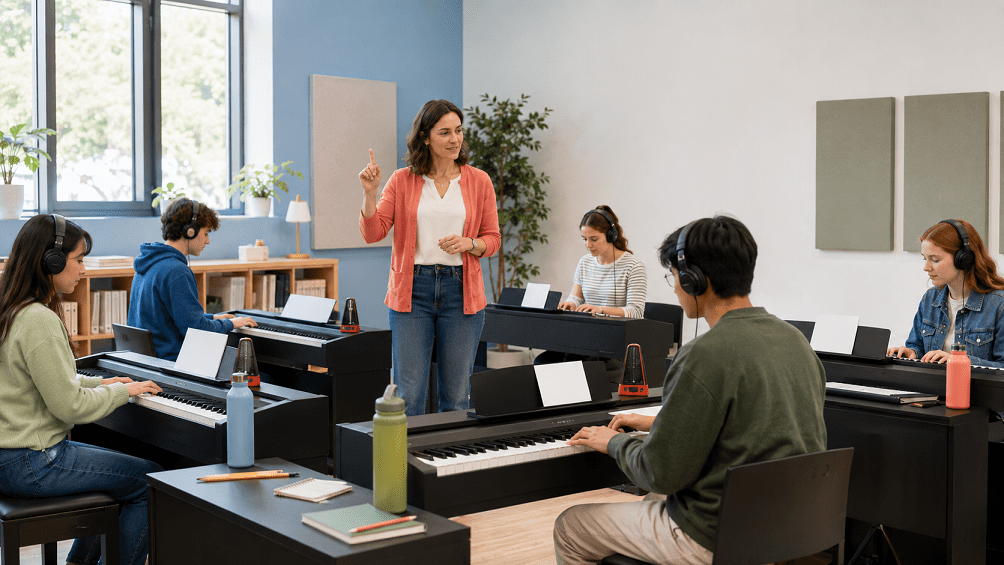
Music schools should not dismiss browser pianos as toys. They are becoming part of the access story around music education. A student without a piano at home may still have access to a Chromebook, school laptop, tablet, or borrowed MIDI controller. A teacher can use browser tools for demonstrations, theory lessons, group keyboard orientation, or quick remote assignments.
At the same time, schools must test reliability before building lessons around browser instruments. Web MIDI permissions, browser support, classroom Wi-Fi policies, device management, headphone latency, and privacy settings all matter. A tool that works on a teacher’s personal laptop may not work on managed school devices without approval.
The best classroom use is targeted. Browser pianos can support theory, composition sketches, ear training, keyboard geography, and short practice checks. Weighted digital pianos or acoustic instruments should remain central for technique, pedaling, repertoire, and performance preparation. Teachers do not need to choose one or the other. They can assign browser work for access and repetition, then use the real instrument for touch and interpretation.
This is where hardware liberation becomes educational rather than merely convenient. The goal is not to make the piano disappear into a screen. The goal is to make practice available in more places while keeping musical standards intact.
Why The Browser Piano Trend Is About Access, Not Replacement
Zero-latency browser pianos are changing portable practice because they make music less dependent on a single room, device, or installation. A student can practice theory on a school laptop, test chord movement on a travel keyboard, or review a song section before reaching the full instrument. That flexibility matters in 2026 because piano learning is spread across apps, lessons, videos, digital pianos, MIDI devices, and quick practice windows.
The most responsible view is balanced. Browser pianos are not magic instruments. They cannot teach weighted touch through a laptop keyboard, and they cannot replace the sound world of an acoustic piano. They can, though, reduce the distance between wanting to practice and actually playing something. For many learners, that distance is where habits are lost.
The browser piano is best understood as a portable practice doorway. It opens quickly. It travels easily. It supports short, focused tasks. It gives teachers another way to keep students engaged between lessons. Used with a wired MIDI keyboard and realistic expectations, it can turn scattered minutes into useful musical contact.
That is why hardware liberation matters. The future of portable piano practice is not about carrying less because the music matters less. It is about carrying less so students can touch the keyboard more often, listen more often, and keep learning even when the full instrument is out of reach.